
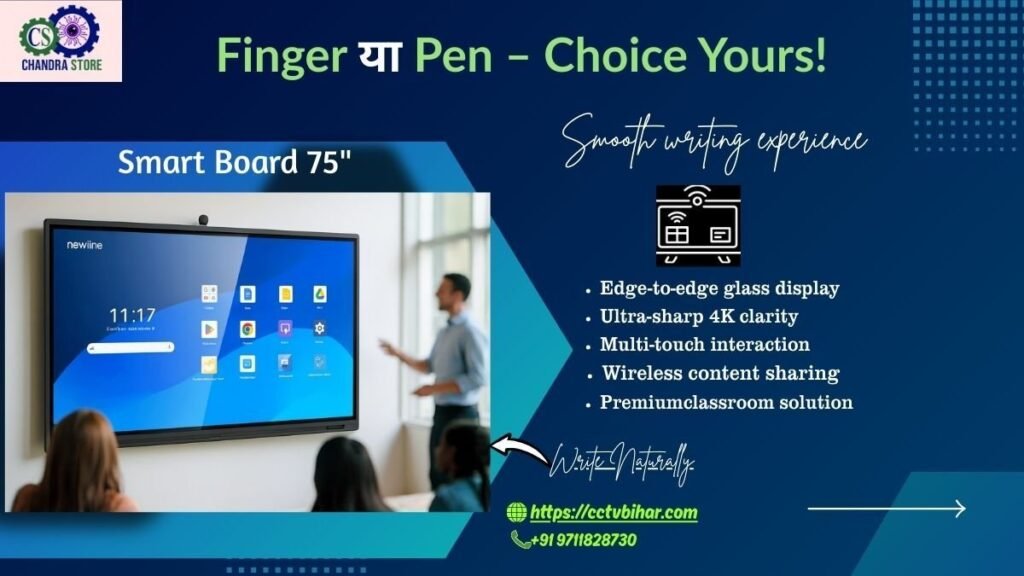
Smart Board Features:Technology is rapidly transforming the way we teach, learn, and present ideas. One of the most powerful tools driving this change is the modern smart board. From schools and colleges to offices, training centers, and coaching institutes, smart boards have become an essential digital solution.
At Chandra Store, we provide advanced smart board solutions designed for Indian classrooms and businesses. In this blog, we’ll explore 12 incredible smart board features that make them a must-have investment today.
What Is a Smart Board?
A smart board, also known as an interactive whiteboard, is a digital display that allows users to write, draw, present, and interact with content using touch or a smart pen. These boards combine the power of a computer, projector or display, and interactive software into one seamless system.
https://www.intel.com/content/www/us/en/education/technology-in-education.html
12 Incredible Smart Board Features You’ll Love
1. Multi-Touch Interaction
One of the most impressive smart board features is multi-touch support. Multiple users can write, draw, or interact at the same time, making group learning and teamwork more effective.
2. Ultra HD & 4K Display Quality
Modern smart boards offer crystal-clear visuals with Full HD or 4K resolution. This ensures text, images, and videos look sharp—even in large classrooms or conference rooms.
3. Built-in Android Operating System
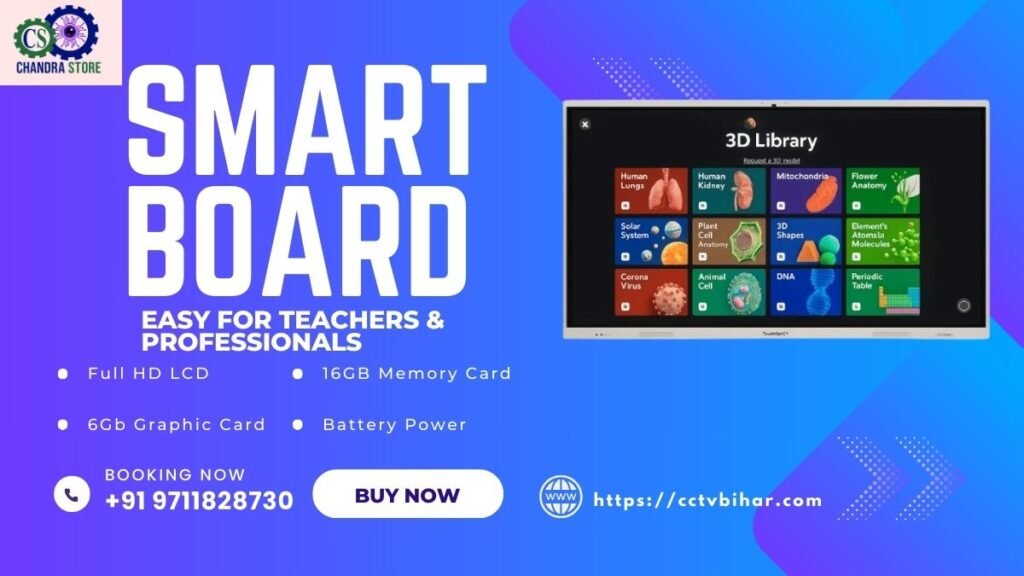
Many smart boards come with an in-built Android OS, eliminating the need for an external PC. You can run apps, browse the internet, and use teaching tools directly on the board.
4. Wireless Screen Sharing
Wireless screen sharing allows teachers and professionals to mirror content from laptops, tablets, or smartphones instantly—saving time and reducing cable clutter.
Learn more about interactive display technology from Intel
5. Smart Pen & Gesture Control
Advanced smart pens enable smooth writing, erasing, highlighting, and drawing. Gesture controls like pinch-to-zoom and swipe make navigation intuitive for all age groups.
6. Built-in Speakers & Audio Support
High-quality built-in speakers enhance audio clarity for videos, online classes, and presentations—especially useful for large classrooms.
7. Digital Whiteboard Software
Smart boards come with powerful digital whiteboard software that supports:
- PDFs
- PPTs
- Images
- Live annotations
- Cloud saving
This feature improves lesson planning and content reuse.
8. Online Teaching & Video Conferencing
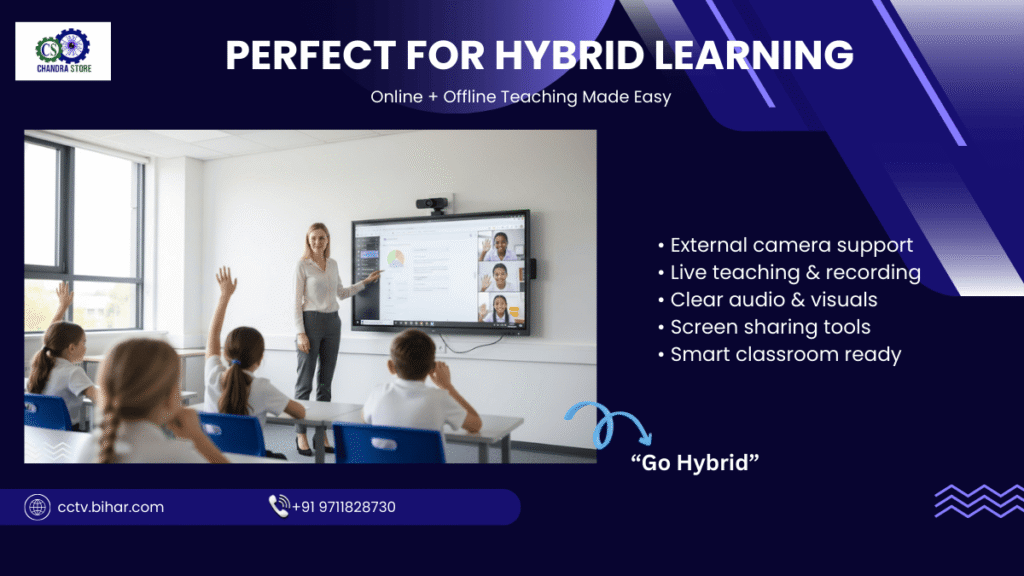
With support for Zoom, Google Meet, and Microsoft Teams, smart boards make hybrid and online learning effortless.
According to EdTech Magazine, interactive displays improve student engagement by over 30%
9. Cloud Storage & File Sharing
Cloud integration allows users to save lessons, presentations, and notes securely and access them anytime from anywhere.
10. Eye-Care & Anti-Glare Technology
Eye-care modes and anti-glare screens reduce eye strain, making smart boards safe for long teaching or meeting sessions.
11. Durable & Low Maintenance Design
Smart boards are built for daily heavy use. Scratch-resistant glass and robust frames ensure long life with minimal maintenance.
12. Energy Efficient & Eco-Friendly
Compared to traditional projectors, smart boards consume less power and eliminate the need for paper—making them eco-friendly and cost-effective.
https://edtechmagazine.com/k12
Learn about energy-efficient display standards from ENERGY STAR
Benefits of Smart Boards for Indian Users
- Improved student engagement
- Faster concept understanding
- Professional presentations
- Time-saving teaching tools
- Higher ROI for schools and businesses
Why Buy Smart Boards from Chandra Store?
At Chandra Store, we offer:
- Genuine branded smart boards
- Competitive pricing
- Installation & demo support
- EMI options
- After-sales service
We help schools, coaching centers, offices, and institutions choose the right smart board based on their needs and budget.
📞 Expert guidance | 💯 Genuine brands | 🛠 Professional installation
Visit करें या कॉल करें – Chandra Store, Jamalpur
आज ही हमें कॉल करें: +91 9711828730
हमारी वेबसाइट पर जाएँ: https://cctvbihar.com/
आज ही Chandra Store से संपर्क करें और अपने स्कूल या ऑफिस को स्मार्ट बनाएं।
डेमो, इंस्टॉलेशन और EMI सुविधा के लिए अभी विज़िट करें!
Frequently Asked Questions (FAQs) on Smart Board Features
1. What are the most important Smart Board features?
The most important Smart Board features include multi-touch interaction, 4K display quality, built-in Android OS, wireless screen sharing, digital whiteboard software, and cloud storage support. These features make teaching and presentations more interactive and efficient.
2. How do Smart Board features improve classroom learning?
Smart Board features improve classroom learning by increasing student engagement, enabling visual learning, supporting multimedia content, and allowing real-time interaction. Teachers can explain complex topics more easily using videos, diagrams, and live annotations.
3. Are Smart Board features useful for offices and businesses?
Yes, Smart Board features are highly useful for offices and businesses. Features like wireless screen sharing, video conferencing, and presentation tools help improve collaboration, meetings, training sessions, and client presentations.
4. Do Smart Board features require technical knowledge to use?
No, modern Smart Board features are designed for non-technical users. With touch-based controls, gesture support, and a simple user interface, teachers and professionals can use smart boards easily without advanced technical skills.
5. Which Smart Board features support online teaching?
Smart Board features such as built-in apps, internet browsing, screen recording, and compatibility with platforms like Zoom and Google Meet make online and hybrid teaching smooth and effective.
6. Are Smart Board features safe for long hours of use?
Yes, many Smart Board features include eye-care mode, anti-glare screens, and low blue light technology, making them safe for long teaching or meeting sessions.
7. Can Smart Board features replace traditional whiteboards and projectors?
Absolutely. Advanced Smart Board features combine the functions of a whiteboard, projector, computer, and speaker system into one device, reducing maintenance and improving visual clarity.
8. Are Smart Board features customizable for different needs?
es, Smart Boards are available in Patna, Gaya, Muzaffarpur, Bhagalpur, Darbhanga, Purnia, Begusarai, Ara, Chhapra, and Hajipur for schools and educational institutions across Bihar.
9. Are Smart Boards available in major cities of Bihar?
Modern Smart Board features support cloud storage and USB connectivity, allowing users to save, share, and access files anytime, anywhere.
10. Why should I buy a smart board with advanced Smart Board features from Chandra Store?
Chandra Store offers smart boards with the latest Smart Board features, along with installation support, demos, EMI options, and reliable after-sales service—making it a trusted choice for schools and businesses